Reconciling your e-commerce books manually is a recipe for accounting errors. Automating your workflow allows you to instantly transfer order totals, tax liabilities, and processing fees. In this guide, you will learn to sync Shopify sales data to QuickBooks so your records stay accurate.
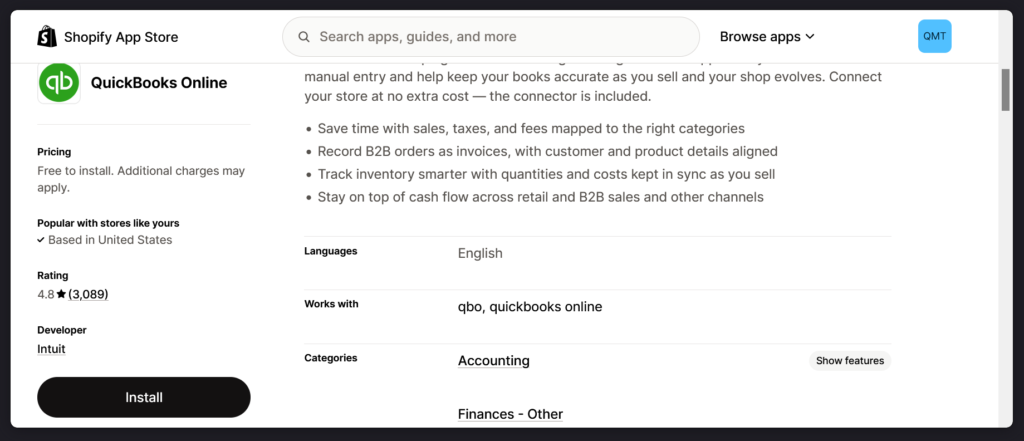
Step 1 : Find the Integration App
Step 2 : Handle Connection and Authorization Errors
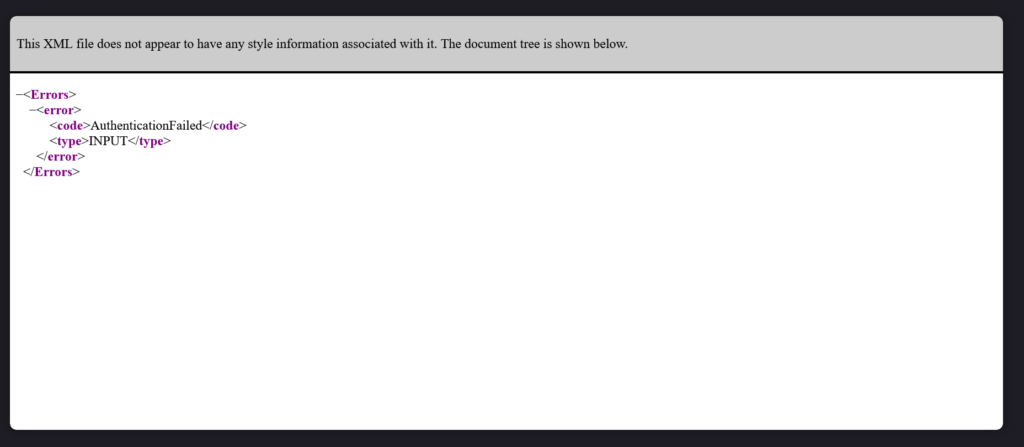
Connecting your Shopify back-end to QuickBooks Online prompts you to log into your Intuit account to bridge the software. If you are testing this connection inside a developer environment or using incompatible trail versions versions, you may encounter an authentication fault screen displaying specific error codes.
Leave a Reply